Airbnb welcome book and house manual: free templates to print
The free Airbnb welcome book template, plus a house manual PDF for the Airbnb field. What each one holds, and the US sections guests message about.

Written by Alexandre Pidault
Founder of WonderGuest
A welcome book is the printed document you leave on the counter. A house manual is the operational half Airbnb asks you to paste into a field on your listing. You need both, and you can generate both, free, in about eight minutes. Fill in eight sections in the Airbnb welcome book template and download two PDFs: the full welcome book, and the house manual on its own.
Most templates you find are a Canva file with a photo of a beach and three lines about the Wi-Fi, or that same file sold on Etsy for around nine dollars. What guests actually message about is narrower and more boring than that. Trash day. The thermostat. Where on earth to park the rental car. This guide covers what goes in each document, with the US sections that keep the phone quiet.
Download the free Airbnb welcome book template
The generator asks for eight things: the property, you, access, Wi-Fi, house rules, local picks, practical info, check-out. Empty sections are skipped, so a half-filled form still produces a clean document.
Two PDFs come out of the same form.
The welcome book is the guest-facing document: a short welcome, your contact details, how to get in, the Wi-Fi page, house rules, your restaurant and activity picks, trash day, heating, parking, check-out. Print it, put it in a binder or a clear stand, leave it on the counter.
The house manual drops the welcome letter and the neighborhood picks and keeps the operating instructions. That is the version to paste into the Airbnb house manual field, and the version to text a guest who is standing at the wrong door.
There is a Word export too, if you want to restyle it. No sign-up, no watermark, no email wall.
Welcome book, house manual, or guidebook: what Airbnb actually asks for
Three words, three different things, and the confusion costs hosts real time.
The house manual is a field on your Airbnb listing, in the arrival guide. Only guests with a confirmed reservation can see it. Keep it operational: door code, Wi-Fi, appliances, house rules, trash, check-out.
The guidebook is an Airbnb feature for local recommendations, pinned on a map. It is about the neighborhood, not the property, and it is public rather than reserved for your guests. Filling it does nothing for the guest who cannot work out your thermostat, as our guide to what the Airbnb guidebook leaves out goes through in detail.
The welcome book is yours. It is not an Airbnb field at all. It is the document you print, or the page you host yourself, that holds everything: the welcome, the instructions and the recommendations in one place.
Put the operational text in Airbnb's house manual field, keep the printed welcome book on the counter, and use Airbnb's guidebook feature for the map. That combination covers every place a guest looks.
What to include in an Airbnb welcome book
Start from the messages you already get. Nearly all of them fall into five buckets, and four of the five are specific to how American rentals actually run.
Wi-Fi, in large type
The single most requested item, and the one hosts most often hide in a paragraph. Give the network name and password their own page, in type big enough to read from across the room. A printable WiFi sign with the QR code on it, taped inside a kitchen cabinet, removes the question entirely.
Two details worth adding: what the network is called if you have a guest network and a private one, and whether the router lives somewhere the guest can reach it.
Trash day and recycling
This is the number one late-night message in single-family rentals, and it is entirely avoidable. Say which bin, which day, and where the bins live between pickups. If your city fines for a bin left at the curb past collection day, say that too, because the guest has no way of knowing.
Write the actual day. "Trash goes out Tuesday night, recycling every other Thursday" beats "please take out the trash."
Heating and AC
Second most common message, and the one that costs you money. Say where the thermostat is, what range you want it kept in, and whether windows and AC can run together. Most thermostat arguments come from a guest who set it to 65 in August and a host who saw the bill in September.
If you have a smart thermostat with limits, say so up front. A guest who discovers a locked setting on their own reads it as being watched.
Emergency numbers and 911
Put 911 at the top, then poison control at 1-800-222-1222, then the nearest urgent care with its hours, then a 24-hour pharmacy. International guests do not always know that 911 covers police, fire and medical in one number. Fewer still know that urgent care exists, sitting somewhere between a doctor's office and an emergency room.
Add your own number and say what it is for. "Text me for anything about the house, call 911 for anything about a person" is a sentence that ages well.
Occupancy tax notice
Short, and it prevents an awkward conversation at the door. In most US markets Airbnb collects and remits occupancy or lodging tax on your behalf, so the guest owes nothing on arrival. In a few counties it does not, and the host collects. Either way, one line in the welcome book saying which applies stops the guest from wondering whether they are being asked for cash.
The Airbnb house manual: where it lives, and what goes in it
The house manual is a text field on your listing. Airbnb opens it to the guest once the booking is confirmed, which makes it the one document you can count on them actually having.
Where the house manual field lives
Open the listing editor and go to the arrival guide. The house manual sits there, next to the check-in method, the directions and the Wi-Fi password. Airbnb's help page on adding a house manual spells out the path: Listings, your listing, arrival guide, house manual, save.
One sentence on that help page should decide how you write yours: only guests with a confirmed reservation can access the manual. Nobody is choosing whether to book from it. You can be as flat and as specific as the property requires, and Airbnb publishes no character limit for the field.
What to put in the house manual
Six blocks, in this order.
- Getting in: check-in time, access type, the code or lockbox location, step by step.
- Wi-Fi: network name, password, nothing else.
- How the place works: thermostat, appliances that need explaining, anything with a trick to it.
- House rules in plain language: quiet hours, occupancy cap, pets, smoking, parties.
- Trash day and recycling.
- Check-out: the time, what to do with keys, what to leave and what not to bother with.
Block one does double duty. The same text is what you send the evening before arrival, so write it once in the check-in instructions generator and paste it into both places.
Airbnb's own guidance names much the same list. Its resource center article on writing a house manual went up in November 2020 and was updated in November 2021. It asks for the Wi-Fi password, parking, the thermostat, the dishwasher, trash disposal, water and power, and step-by-step instructions for the TV. It also asks hosts to keep it short.
Most hosts read that last part and ignore it.
What to leave out
No neighborhood tips, no photographs, no welcome message. Those belong in the welcome book and in Airbnb's guidebook feature, which is a separate thing again.
The test is position. A guest reads the manual standing at an unfamiliar door at 11 PM, on a phone, with one hand on a suitcase. Every line above the door code is a line they scroll past.
Download the house manual as its own PDF
The same form produces it. Fill in the welcome book template. The house manual comes out as its own file, with the welcome letter and the local picks stripped out.
Two files, two jobs. Print the welcome book for the counter. The house manual text goes into the Airbnb field, where the guest who booked will find it.
Printed, digital, or both
The printed welcome book has one real advantage: it works with no phone, no signal and no login. Guests read what is physically in front of them. It has one real weakness too, and every host discovers it the same way. The Wi-Fi password changes, and eight printed copies are now wrong.
A digital guidebook fixes that and adds what paper cannot do. It reads in the guest's own language, the Wi-Fi QR code is tappable, the map is live, and one edit reaches every property at once. WonderGuest builds one from the same information you just typed. The button sits next to the download.
Most hosts we talk to end up running both. Paper on the counter for the guest who never opens links. The digital one in the pre-arrival message, for the guest who reads everything on their phone before they land. Neither costs anything to start.
Once your welcome book is done, the natural next step is the house rules generator, which produces the formal version you can point to when something goes wrong.
Frequently asked questions
Is the Airbnb welcome book template really free?
Yes. Fill in the form, download the PDF, no account and no email required. The Word export and the house manual PDF are free too. Nothing is watermarked.
What is the difference between a welcome book and a house manual?
The house manual is a text field on your Airbnb listing, shown to confirmed guests, and it should hold only operating instructions. The welcome book is your own document, printed or hosted, and it holds the welcome, the instructions and your local picks together.
How long should an Airbnb welcome book be?
Six to ten pages covers a normal rental. Past that, guests stop reading and start messaging, which defeats the point. If a section runs long, that usually means the underlying thing is confusing and a photo or a label on the appliance would serve better than another paragraph.
Where do I put the house manual on Airbnb?
In the listing editor, under arrival guide, there is a house manual field. Paste the text there and save. Airbnb makes it accessible to guests once their reservation is confirmed, so it is waiting for them well before they travel.
Should I include the occupancy tax in my welcome book?
One line is enough. Say whether Airbnb collects and remits the tax for your city or whether you collect it directly. Guests rarely ask about it, but the ones who do ask at the door, which is the worst possible moment.
Can I print the welcome book at home?
It is a standard PDF and it prints on letter or A4 without reformatting. A binder or a clear acrylic stand on the counter survives guests better than loose stapled pages, and the binder guide prices the sleeves and the tabs.
What if my Wi-Fi password changes?
Reprint the Wi-Fi page, which is why it has its own page. If you would rather change it once and be done, that is the argument for the digital version, where one edit updates every copy including the ones guests already opened.
Alexandre Pidault
Founder of WonderGuest
I built the guest-experience tools for the FlexyLoc concierge service (digital guidebooks, interactive guides and videos) before launching WonderGuest. I write here about automating the guest experience in short-term rentals.
More about the author →A WiFi QR code is great.
A complete digital guidebook is even better.
Reduce guest messages and boost your 5-star reviews on Airbnb by centralizing all your property information in one place.
In 2 minutes with your Airbnb listing
Similar articles
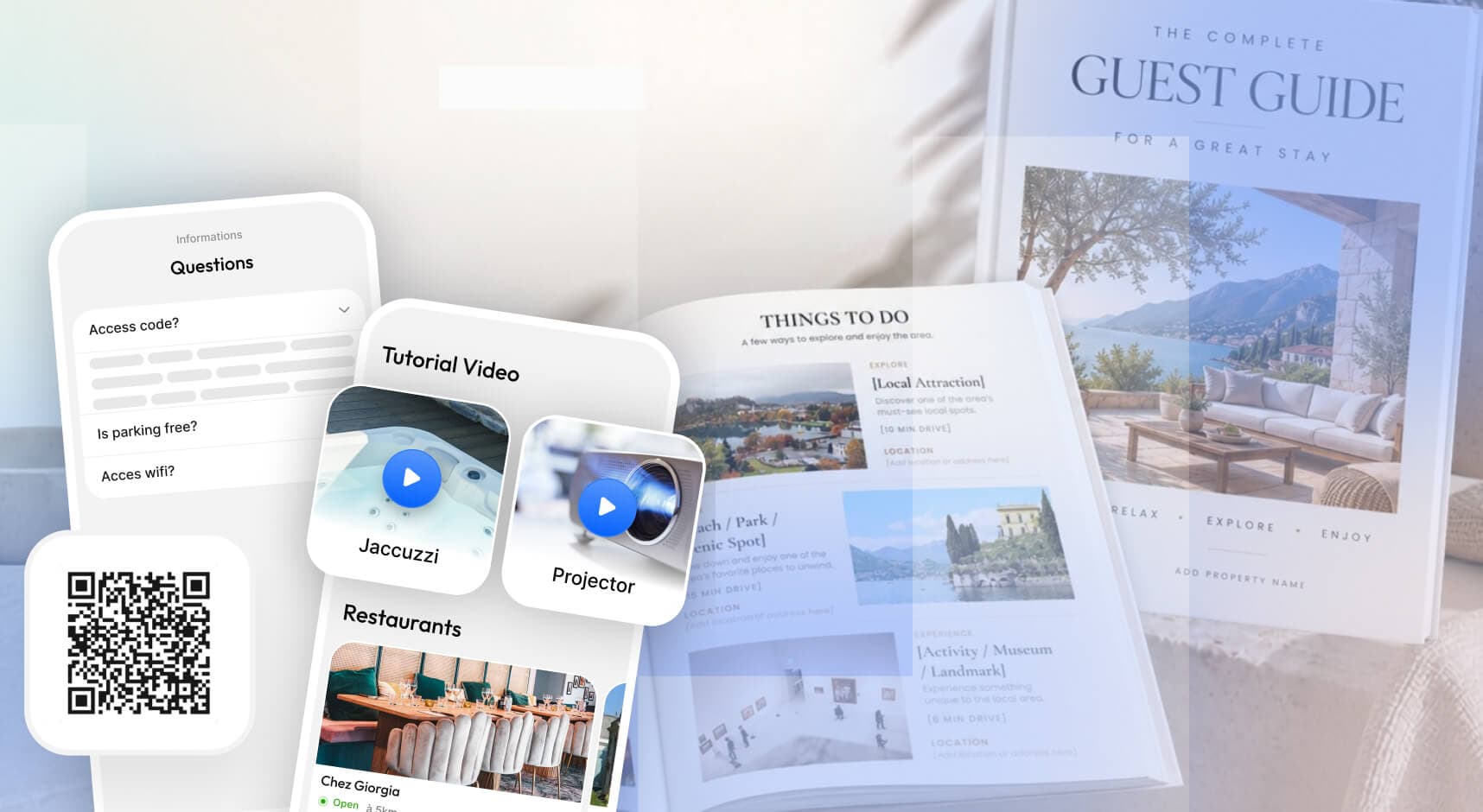
Airbnb welcome book templates on Etsy: what you actually receive
Most listings sit under ten dollars, and the writing is still yours. Which ones deliver a usable file, the five lines to read before you pay, and where a bought template stops paying for itself.
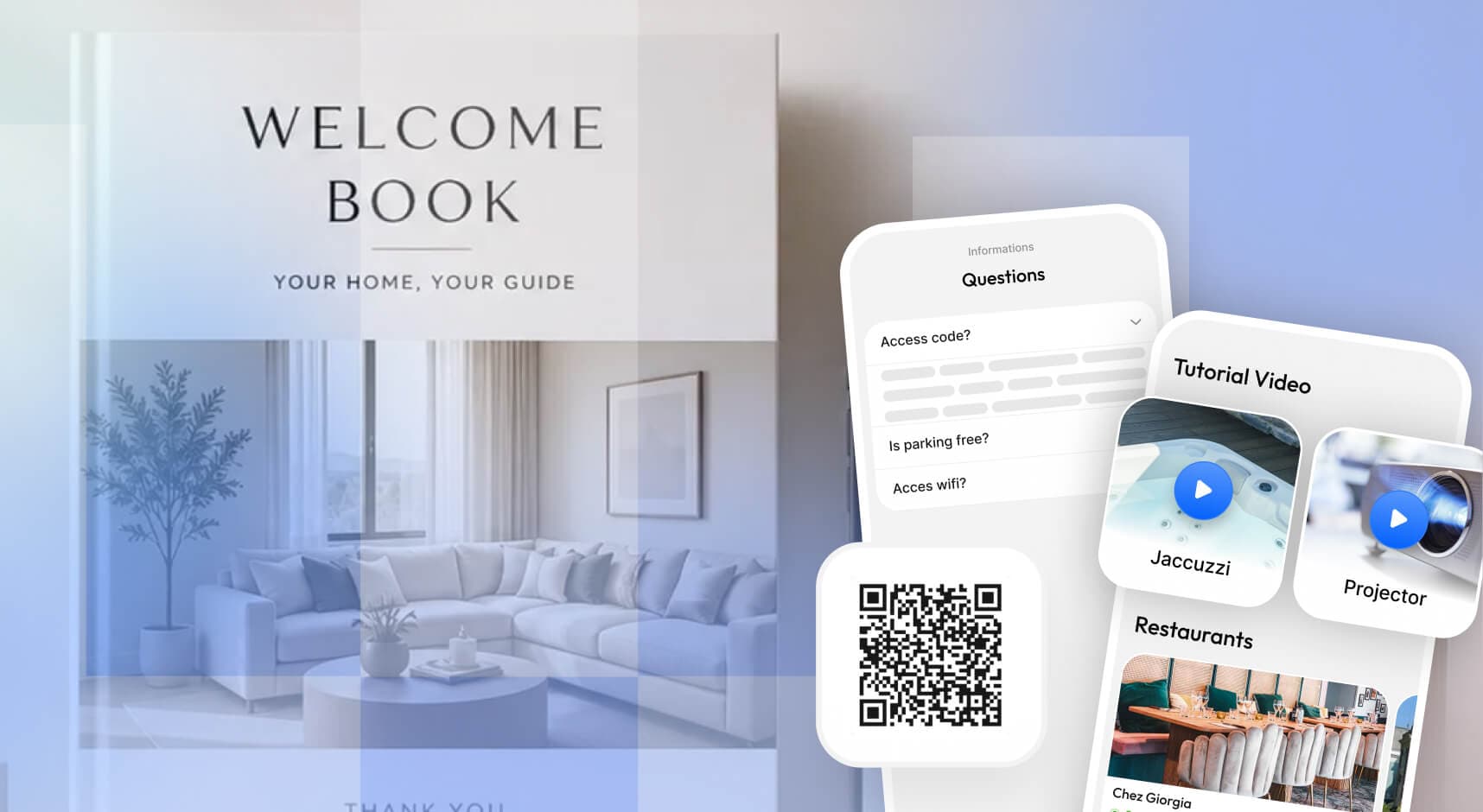
Airbnb welcome book templates in Canva: what to put inside
One to two hours in Canva, no design skill needed. Which templates to open, the five settings that decide how it turns out, and the point where a digital guidebook costs less than the PDF.
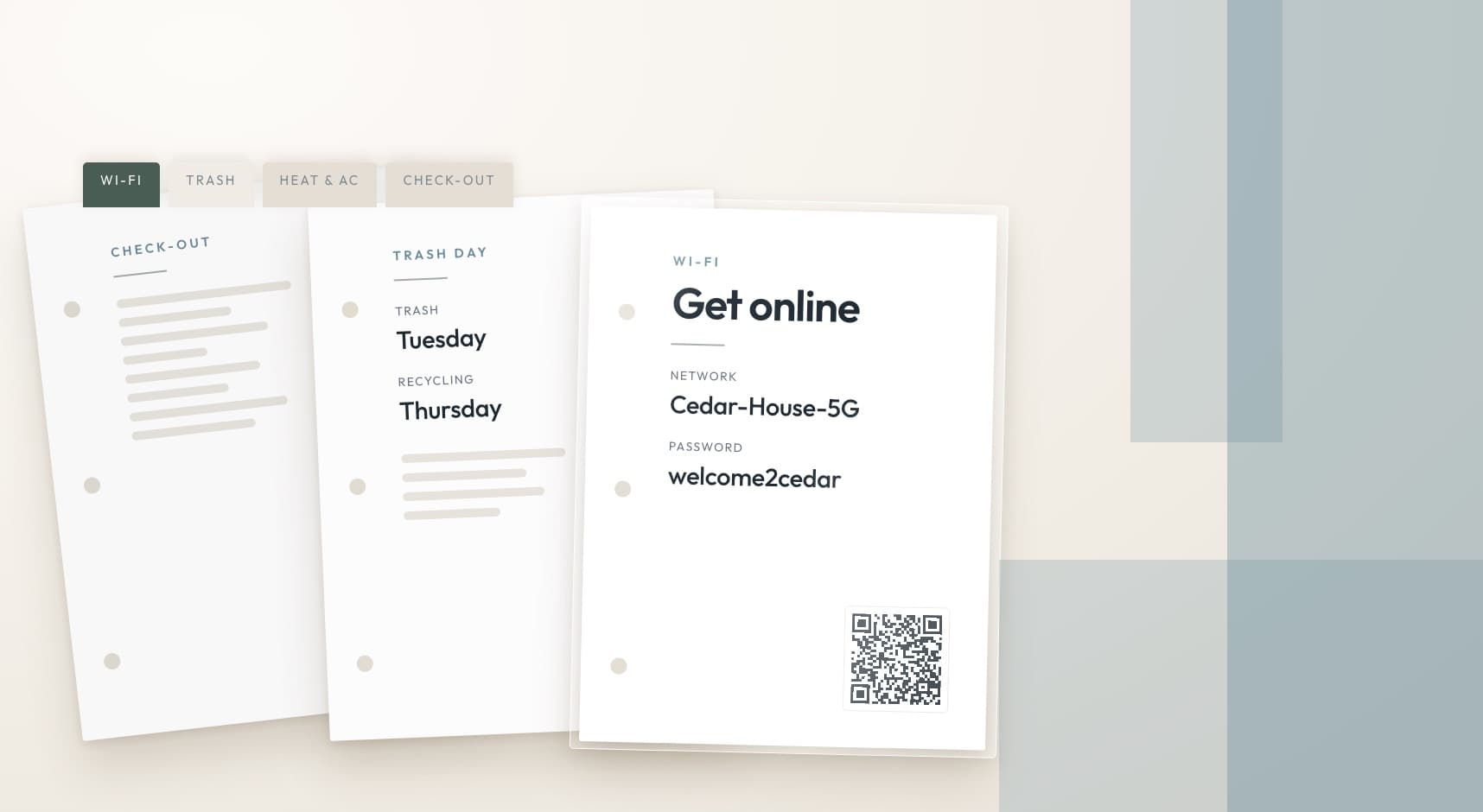
The Airbnb welcome binder, built for $27.94 at Staples
A twelve-page binder costs $27.94 to build at Staples, and the restaurant pages stay out of the rings because guests carry them out the door.